Download YouTube Podcasts as MP3 for Free
YouTube is no longer just a video platform. There are some creators who upload full podcast videos on YouTube, such as interviews, reviews, lectures, educational shows, and detailed conversations. Watching a podcast is helpful, but there are some people who prefer to listen to audio only, especially while travelling, working, studying and doing daily tasks.
With the help of our tool, you can convert podcast media into mp3 directly from your browser. You don’t need to install an app, browser extension or desktop software. Just copy the podcast link, paste it into the generator and save it for offline listening.
This guide explains how to download a YouTube podcast as mp3 for free, how it works, which audio quality you choose & what things you should know before downloading.
What Is a YouTube Podcast?
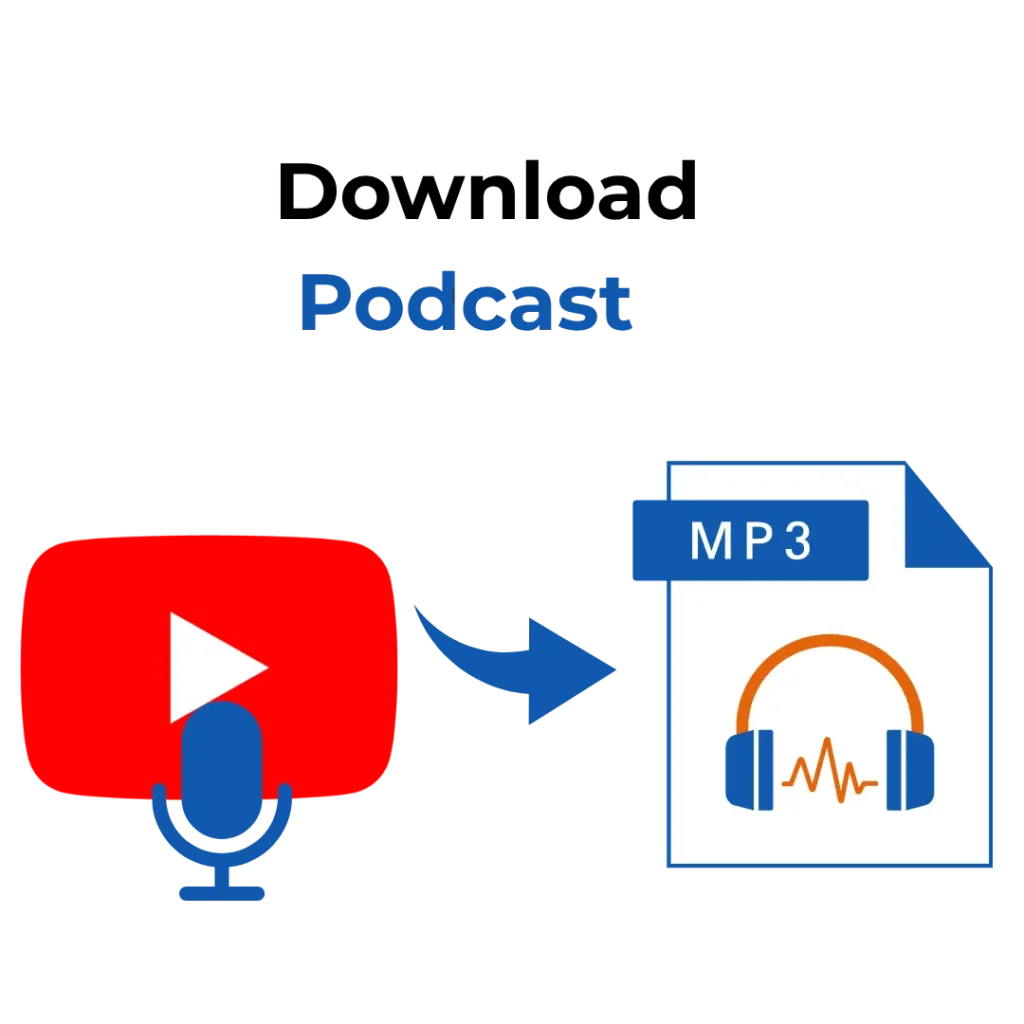
A YouTube podcast is a podcast episode shared as a video on YT. Some creators arrange their podcasts into a playlist so people can listen to them in order.
It may include:
- Detailed Interviews
- Educational lessons
- Business Information
- Motivational speeches
- Learning Language content
- Creator discussion
- Talk shows in audio format
MP3 is a widely used audio format for listening to content offline. It can work on iPhone, Android, Mac, Windows, Tablets, and other apps. This makes it a useful way to save podcasts.
How to save YouTube podcasts as MP3
Saving YouTube podcasts as mp3 is helpful for many simple reasons. It is in your control when and how you listen to the content.
Listen Offline
You can listen to the mp3 file without keeping YouTube open. This helps you to view the video while listening to the audio; you can also do some tasks.
Save Mobile Data
Watching videos online consumes your data, whereas audio can save your data once it can be downloaded to your device.
This is helpful for long podcast episodes that can be one, two or three hours long.
Play Audio in the Background
Many podcasts are made for listening, not watching. If the episode is mostly conversational, the audio format makes it easier to listen. You can play it in the background while doing other things.
How to Convert a YouTube Podcast
The whole process is quite simple when you use a common browser. First, copy the podcast video link from YouTube, then paste the URL in our converter inbox. Select MP3 as the audio format and start the conversion. Within a few seconds, your file is ready. Click the download button and save in your device. Once the process is complete, you can listen to YouTube podcasts offline.
Long YouTube podcast can also be converted
Long podcasts can also be converted but it takes some time to process. Short podcasts may convert faster, while long podcasts may take more time.
It is depending on file size:
- Podcast Length
- Clarity of audio
- Efficiency of original video
- The quality of MP3
For a long podcast, make sure you have enough space to save the MP3.
Choosing the Right MP3 Quality
Audio quality is important, but the choice depends on how you listen. Some podcasts are voice-based, there is no need for high quality audio.
For basic audio 128kbps
God for most spoken podcast. It keeps the file small and works well.
256kbps for Clear Sound
This is the better choice. 128kbps is giving standard sound but it consumes small space.
320kbps is for high quality
Selecting if you want high quality sound. It takes a large size but can give clearer sound.
Using YouTube Podcast MP3 on Mobile
Many users want to convert YouTube podcasts to mp3 on their mobiles. This tool works in mobile browsers, so it is easy to use on both iPhone and Android.
The way to download a YouTube podcast on Android and iPhone is the same:
- Play the podcast video on YouTube
- Click the share button
- Copy the podcast URL
- Paste the link in our converter
- Tap the convert button
- Download the file
Once it is downloaded, you can find it in your file folder.
Do You Need an App?
No, you don’t need any app to convert YouTube to MP3. Our tool is browser based that lets you convert the file.
In order you need to use the app and give some extra permissions, but in our tool, the process is quite simple.
Paste the YouTube podcast link, select the MP3 format and download the file with no extra installing app.
Common Problems with Podcast Downloads
Occasionally, a podcast link may not convert properly. Some issues are easy to fix.
Podcast URL is not working
If the short URL is not working, copy the full link from the address bar. Always check that you copied the complete web-address
Long Podcast Conversion
Sometimes a long podcast may take time to process. So wait with patience and don’t leave the page.
Download Not Starting
Paste the link again, refresh the page or try another browser. Also check your internet.
Low Audio Quality
The final MP3 quality depends upon the content. If the source sound clarity is low, then the download sound track condition is poor.
Final Thoughts
Downloading the YouTube podcast to MP3 is a convenient way to listen offline without keeping the app open. It is good for listening to focus-based content, such as interviews, lectures, podcasts and others.
With our tool, you can convert YouTube podcast lectures to MP3 for free. You don’t need to install any other app, extension, or no account. You can copy the podcast link, choose MP3, and download the file.